ReTurned
A downloadable game for Windows
THIS IS A SUBMISSION TO THE GMTK GAME JAM 2025
A bug caused the game to be unable to save any data, to solve this, please navigate to %AppData%\Godot\app_userdata\ReTurned and create a folder named "data".
The main idea of the game is quite simple, I was playing a lot of Magic when the jam started and only thing i thought of was cards, so when the theme "Loop" dropped I just had this idea to make a time loop card game (well then i slept, it was around 1 AM). The edges aren't quite polished yet but if you're interested, just wait around to see random stuff ill add.
--- How to Play ---
BASICS
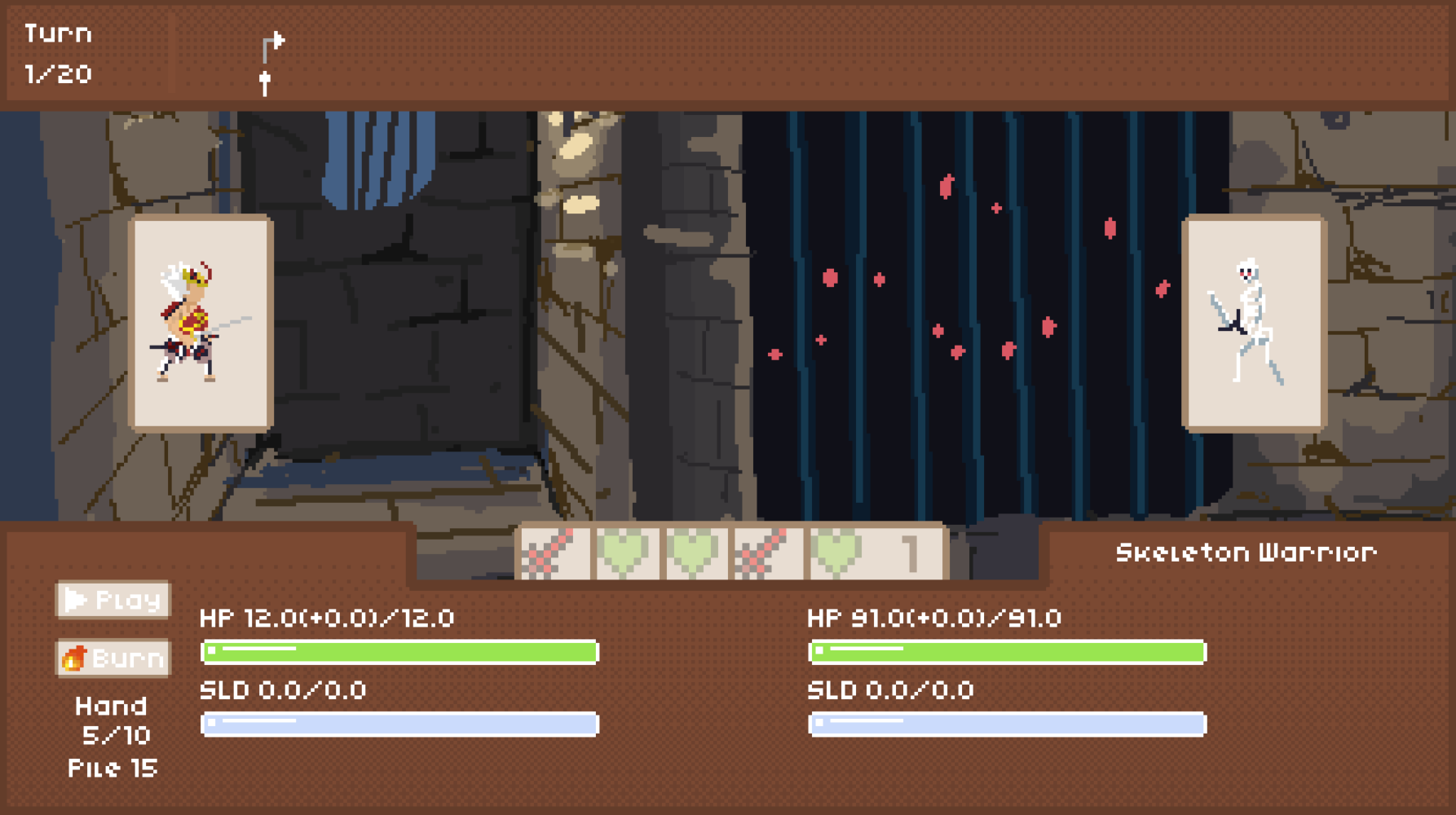
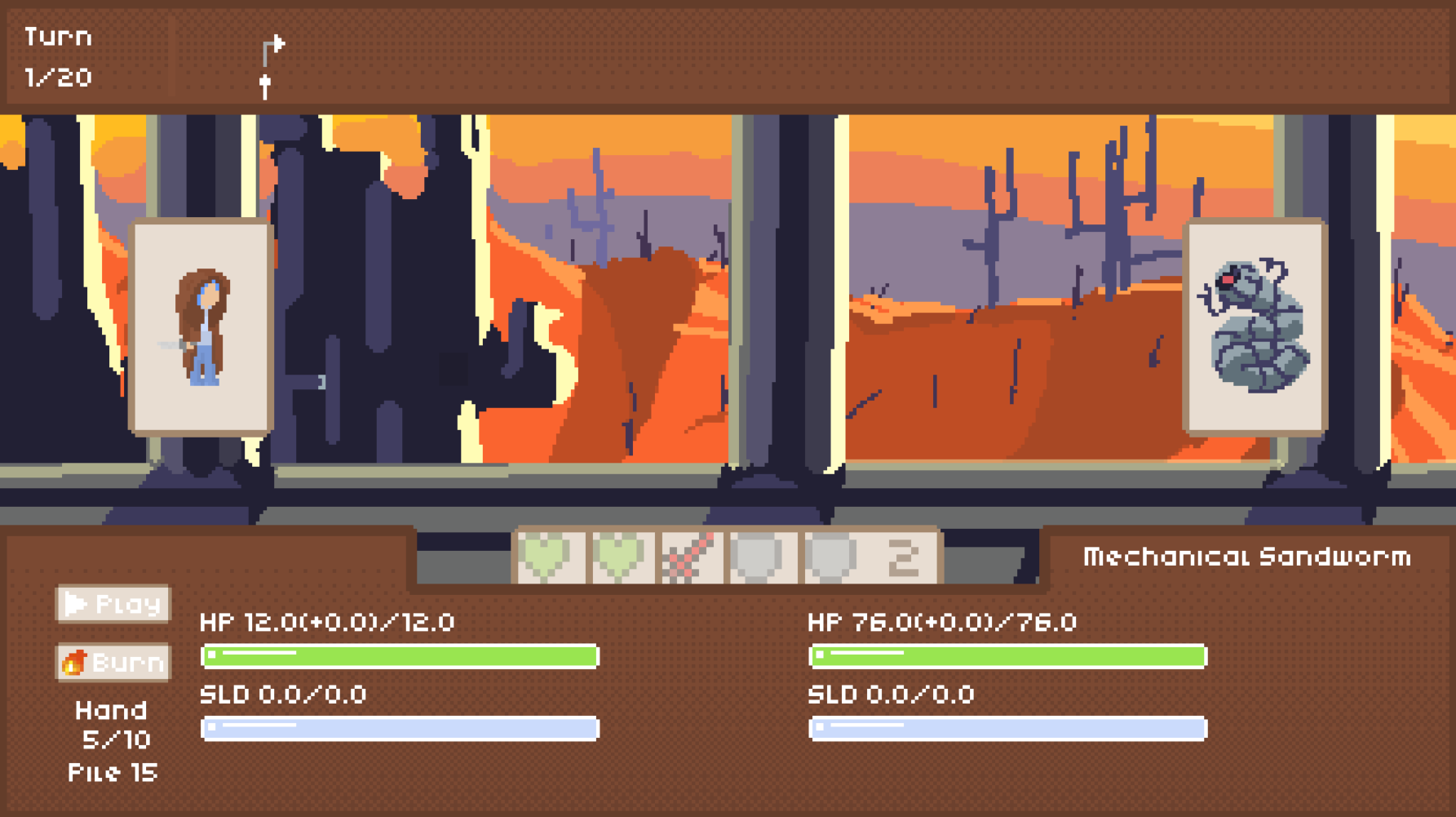
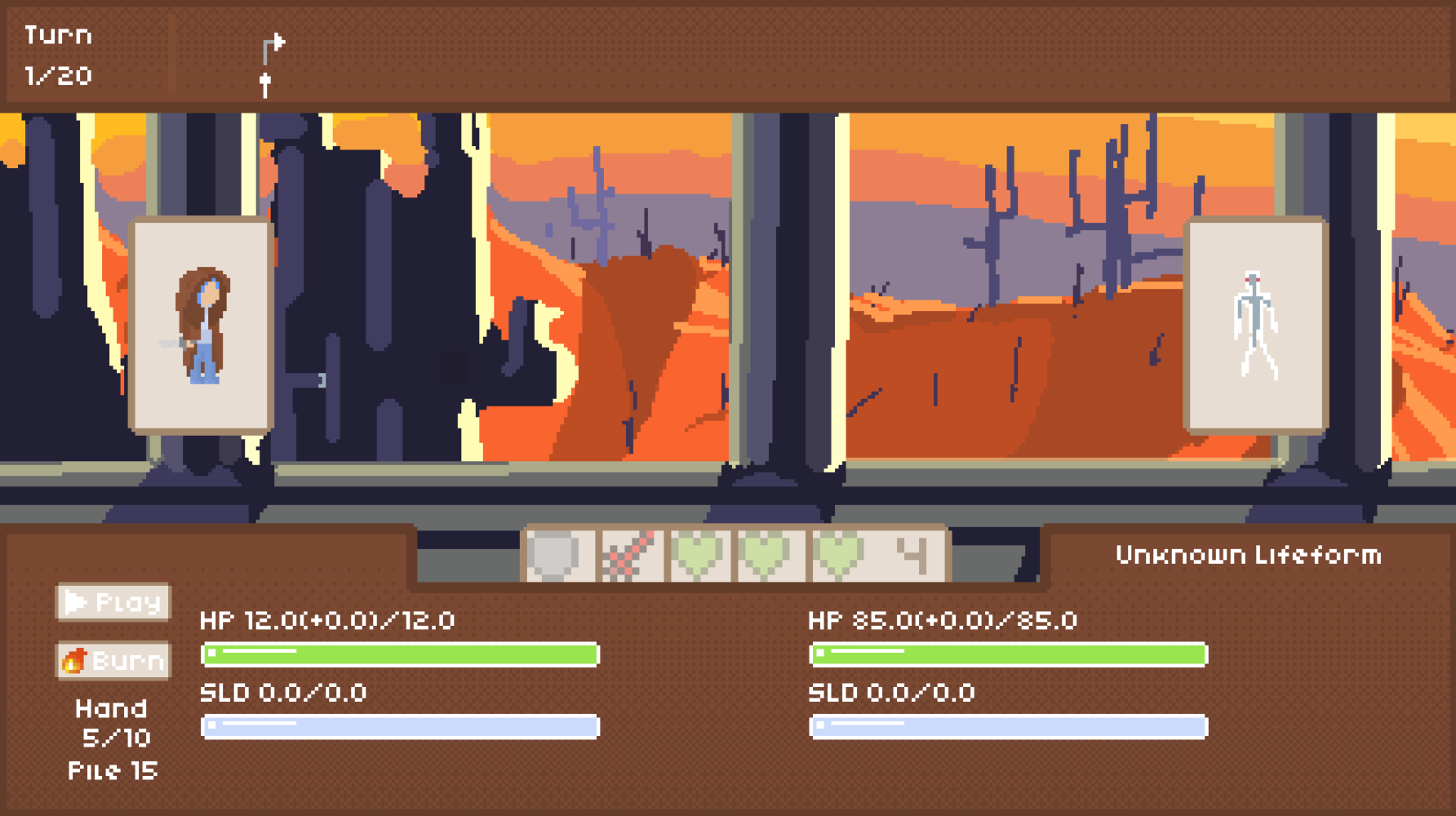
- You, and your foe has three stats: Hitpoints, Heal, and Shield
- Hitpoints are capped a certain Max HP
- Heal is what the Heal card applies, it is capped at the missing HP
- Getting your HP decremented by damage sets healing to 0
- After the opponent acted, healing would be applied, making it part of HP and setting it to 0
- Shield is what the Shield card applies, it is not capped
- Damage would first be done to shields
- Damage done to shields would be halved
- Spillover damage (damage left after damaging shield to 0) would be dealt to HP twice as original
- From the start of a game, you would have a total of 20 turns to fight with before the boss encounter starts.
- At the end of each encounter, the total turns you have would be decremented by the turn number you are on
- When you reach the last turn available, the current encounter would be forcefully ended and the next encounter would be the bossfight
CARDS
- Each card has a type and a potency
- There are 5 types: Attack, Defence, Heal are the "Action" cards, Multiply and Copy are the "Utility" cards
- the potency is the strength of the effect of the card, e.g. an Attack card with a potency of 2 would deal 2 damage
- At the start of the first turn, you draw at least 5 cards, in following turns you draw at least 1
- On the hud, you can see a button with the text "Play"
- By clicking cards, you toggle them for play
- Cards for play would have orange edges and would stay up after your cursor leaves it
- If you clicked a card and it doesn't become "for play", it is probably because you have reached your max play limit, which starts at 1
- After selecting cards for play, click play to start the turn
- You can start a turn without selecting cards for play
- Cards played would be sent to the bottom of the Draw Pile
- By clicking cards, you toggle them for play
- Below "Play", you can alse see a button with the text "Burn"
- This button toggles your selection mode between "Play" and "Burn"
- In "Burn" mode, you first toggle 1 card as the card thats burned, the next card clicked would be the card it is burned to
- Cards burned would be removed from the deck, until it is reset at the end of an encounter
- Burning "Action" cards adds the potency of the target by the potency of the card burned
- Burning a Multiply card would instead multiply the potency of the target
- Burning a Copy card would not change the potency of the target, instead it would spawn as many copies of the target as its potency to hand
- The hand has a max size of 10, excess cards would instead be placed on the top of the Draw Pile
LEAP
- On the top hud you would see a timeline
- Hover your mouse on it, and you will see an arrow indicating how you would leap if you can. You would not see the arrow on turn 1
- When you hover, you can see the statbars of the enemy change, reflecting the enemy's stats on that turn
- Clicking on a timestep on the timeline that is white would have you leap to that turn
- Leaping would mark the turns you lept over and to (NOT from) unavailable, coloring them gray and meaning that you cannot leap from and to that turn
- Leaping also carries over your current stats, pile and hand. However the enemy's stats are set to that of the turn you lept to
- Leaping is an important part of the game as it extends the difficulty curve for you to earn more rewards before facing stronger enemies
- Hover your mouse on it, and you will see an arrow indicating how you would leap if you can. You would not see the arrow on turn 1
Download
Install instructions
Download and extract the files for your os, do not move the pck file.
Leave a comment
Log in with itch.io to leave a comment.